
Download Yawcam – webcam, live video, streaming, image upload, FTP, HTTP, password protection, text overlay, mobile app, utility, Android
Overview
Yawcam is a utility-focused mobile application designed to transform a smartphone into a flexible video streaming and image capture tool. The app enables users to stream live video and still images from their device’s camera, offering a lightweight solution for remote monitoring and real-time content sharing. Its core purpose lies in providing a simple yet powerful interface for broadcasting video and images across networks, with support for both FTP and HTTP protocols. This makes Yawcam particularly useful for individuals needing to monitor spaces remotely—such as home security, pet tracking, or small business surveillance—without relying on complex or expensive systems.
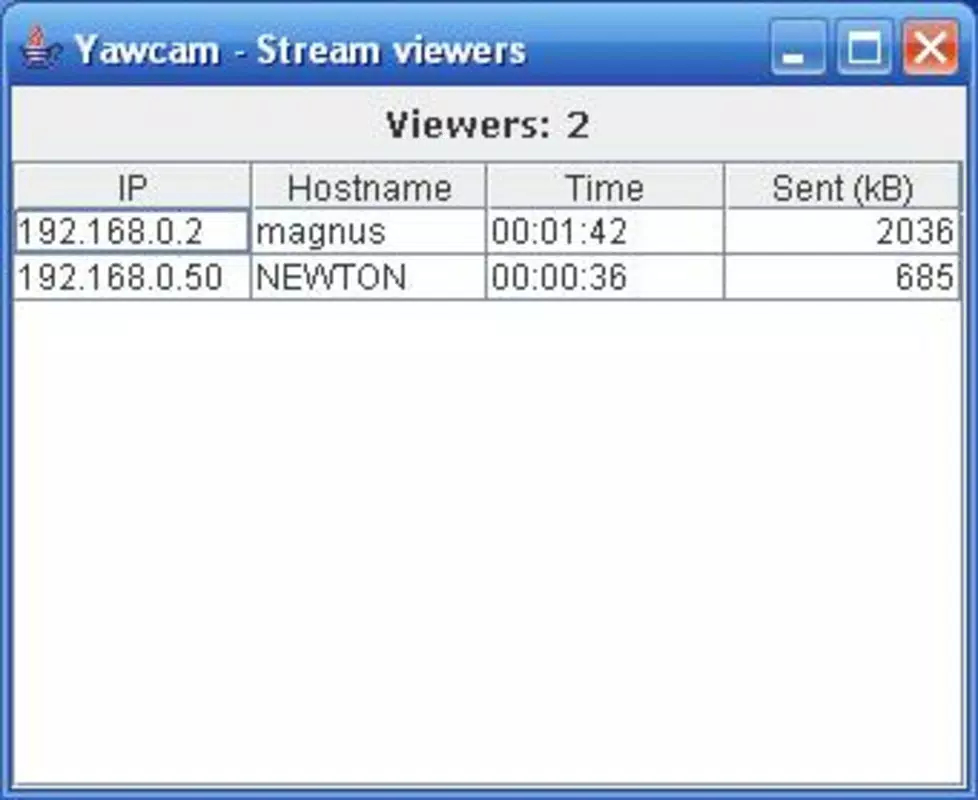
Target users include hobbyists, remote workers, educators, and small-scale content creators who require basic but reliable streaming functionality. The app supports real-time monitoring and access control, allowing users to manage who can view their stream. With customizable text overlays, users can display time stamps, location data, or branding directly on images, enhancing the utility of captured content. While the developer did not provide additional technical details, the app’s minimal file size of 2.2 MB suggests it is optimized for performance on lower-end devices.
Within the Android ecosystem, Yawcam fills a niche for lightweight, open-protocol-based streaming tools. It stands out by focusing on direct integration with web platforms through standard protocols, reducing dependency on proprietary infrastructure. This approach promotes accessibility and long-term usability across different web environments.
Key Features & Functionality
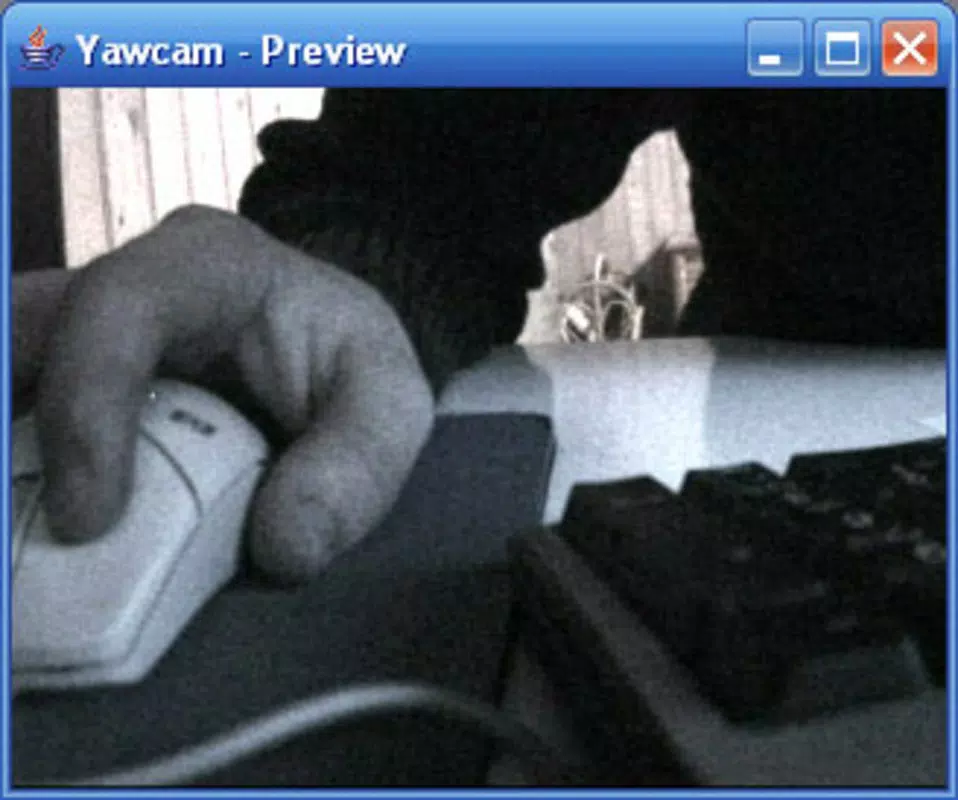
- Live Video Streaming: Yawcam delivers real-time video from the device’s camera, enabling continuous monitoring. Users can view the stream through a web browser or integrated interface, making it ideal for remote oversight of homes, offices, or outdoor areas.
- Image Upload via FTP: The app allows users to automatically upload captured images to a designated FTP server. This feature supports multiple formats including JPG, PNG, and GIF, ensuring compatibility with a wide range of web platforms and content management systems.
- HTTP Image Distribution: In addition to FTP, Yawcam enables direct image sharing via HTTP, allowing users to embed images on websites or share them through simple web links without requiring additional software.
- Password Protection: Access to the streaming service can be secured with a password, ensuring that only authorized individuals can view the live feed. This feature is essential for maintaining privacy and security in sensitive environments.
- Customizable Text Overlay: Users can add dynamic text overlays to images, selecting from various sources such as date, time, or custom input. Options for color, font size, and position allow for personalized branding or contextual information.
For example, a small business owner might use Yawcam to stream footage from a storefront to a local web dashboard, with time-stamped images uploaded via FTP to a company server. A parent could monitor a nursery remotely, using password protection to ensure only family members can view the feed. The app’s ability to integrate with standard web protocols enhances its adaptability across different use cases.
Interface, UX & Performance
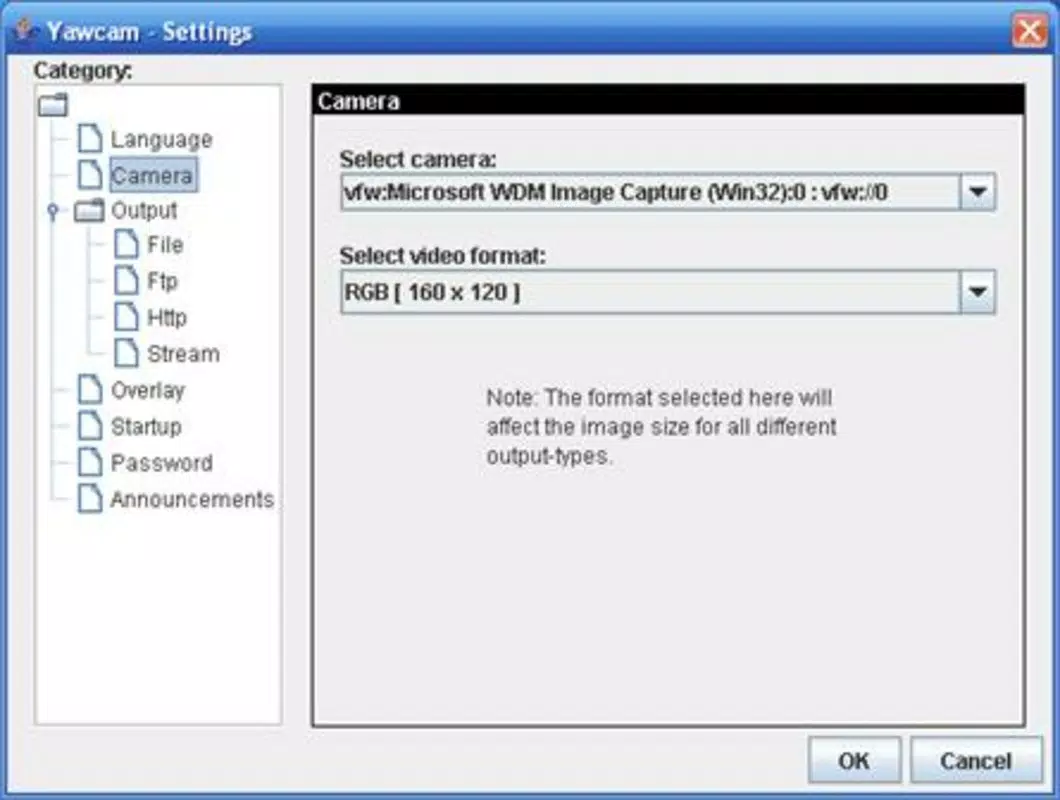
Yawcam features a minimalistic interface designed around core functionality, prioritizing ease of configuration over visual flair. The layout is structured to guide users through essential settings such as streaming resolution, upload destinations, and security options. Navigation is straightforward, with clearly labeled sections for each major feature, allowing users to set up streams quickly without extensive training.
Visual style is functional rather than aesthetic, focusing on readability and quick access to controls. The app uses basic UI elements such as toggle switches, input fields, and dropdown menus, which are consistent with standard Android design patterns. This ensures a low learning curve for users familiar with mobile configuration tools.
Although the developer did not list formal performance metrics, the app’s compact size of 2.2 MB suggests efficient resource usage. It is likely to operate smoothly on a range of Android devices, including those with limited processing power or memory. Responsiveness appears to be adequate for real-time streaming and image upload tasks, though specific benchmarks were not provided. Stability is expected to be reliable for continuous background operation, given the app’s focused scope and lack of unnecessary background processes.
Platform Compatibility & Technical Requirements
Yawcam is available exclusively on the Android platform. The current version is 1.3.0, with a file size of 2.2 MB, making it suitable for installation on devices with limited storage capacity. The app is free to download and use, removing financial barriers to entry for users seeking basic streaming capabilities.
Specific requirements for minimum OS version or hardware compatibility were not listed by the developer. As such, compatibility information was not fully disclosed. Users should ensure their device supports standard camera access and network connectivity for optimal performance. The app likely requires internet access and permissions to use the camera and storage, though these were not explicitly detailed.
Pros and Cons
Pros
- Lightweight design with a small file size of 2.2 MB
- Supports both FTP and HTTP for image distribution
- Offers password protection for secure access control
- Customizable text overlays for branding or contextual data
- Free to download and use with no in-app purchases
Cons
- Developer did not provide detailed system requirements
- No official support for iOS or other platforms
- Interface lacks visual polish and modern design elements
- Specific performance benchmarks were not disclosed
- Limited documentation or user guides available
FAQ
Is Yawcam safe to use on my Android device?
Yes, Yawcam is designed to function within standard Android permissions. It requires access to the camera and internet, which are necessary for streaming and uploading. As the app is free and open-source, it is generally considered secure when downloaded from trusted sources.
Can I use Yawcam on iOS devices?
Currently, Yawcam is only available for Android. There is no official version for iOS. Users seeking similar functionality on Apple devices may need to explore alternative apps or web-based solutions.
How do I set up password protection?
Within the app settings, users can enable password protection and set a custom password. This will restrict access to the live stream to only those who know the credentials, enhancing privacy and security.
What image formats does Yawcam support?
Yawcam supports multiple formats for image uploads, including JPG, PNG, and GIF. These formats are widely compatible with web platforms and content management systems.
Does Yawcam require an internet connection?
Yes, an active internet connection is required for live video streaming and image uploads via FTP or HTTP. The app cannot function offline for these core features.
Final Thoughts
Yawcam offers a focused, no-frills solution for users who need to stream video and share images from their smartphone using standard web protocols. Its ability to integrate with FTP and HTTP servers, combined with password protection and customizable text overlays, makes it a practical tool for remote monitoring and content distribution. While the interface may lack modern polish and detailed documentation, its lightweight design and free access make it accessible to a broad audience.
Those who value simplicity, control, and compatibility with existing web infrastructure will find Yawcam particularly valuable. Whether used for home security, small business surveillance, or educational demonstrations, the app delivers reliable functionality without unnecessary complexity.
Download Yawcam now


